Introduction
You spend hours crafting the perfect email.
The subject line is compelling.
The offer is relevant.
The copy is polished.
You hit send.
And then... nothing.
Low open rates. Few replies. No engagement.
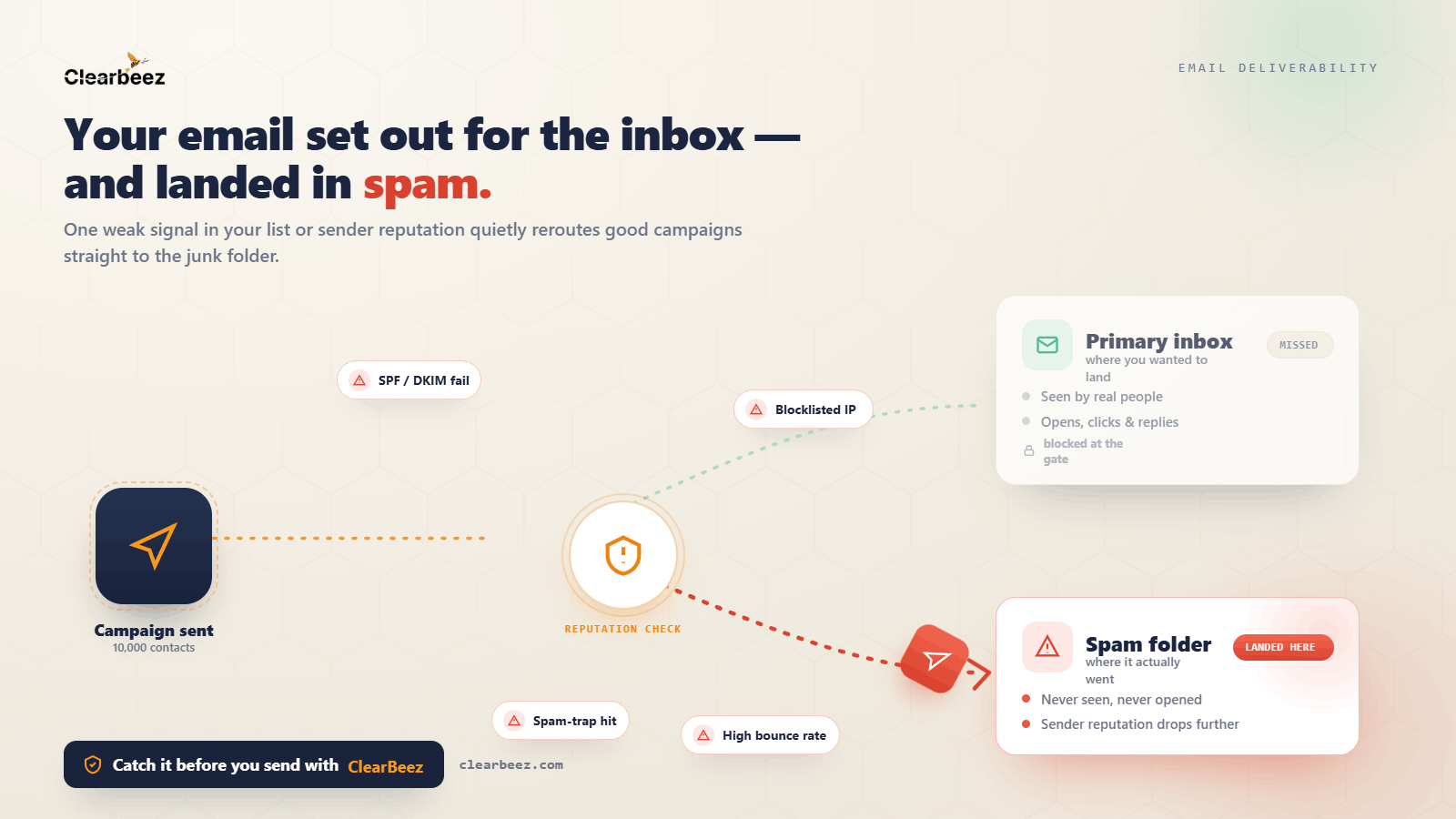
In many cases, the problem isn't your email.
It's that your message never reached the inbox.
Email providers like Gmail, Outlook, and Yahoo use sophisticated filtering systems to determine whether emails belong in the inbox, promotions tab, or spam folder.
Understanding why emails go to spam is one of the most important steps toward improving deliverability and campaign performance.
In this guide, we'll explore the most common reasons emails land in spam and what you can do to prevent it.
How Spam Filters Work
Spam filters are designed to protect users from unwanted or malicious emails.
Every email is evaluated using hundreds of signals, including:
Sender reputation
Domain reputation
Email authentication
Engagement history
Email content
Bounce rates
Spam complaints
Based on these signals, mailbox providers decide whether an email deserves a place in the inbox.
1. Poor Sender Reputation
Sender reputation is one of the strongest factors affecting deliverability.
Mailbox providers monitor how recipients interact with your emails.
If your emails consistently generate:
High bounce rates
Low engagement
Spam complaints
your reputation can decline.
Once your reputation is damaged, even legitimate emails may struggle to reach inboxes.
How to Fix It
Send only to verified email addresses
Remove inactive subscribers
Avoid purchased email lists
Maintain consistent sending patterns
2. High Email Bounce Rates
A high bounce rate signals poor list quality.
When mailbox providers see large numbers of undeliverable emails, they assume you're sending to outdated or unverified contacts.
This can negatively impact future deliverability.
How to Fix It
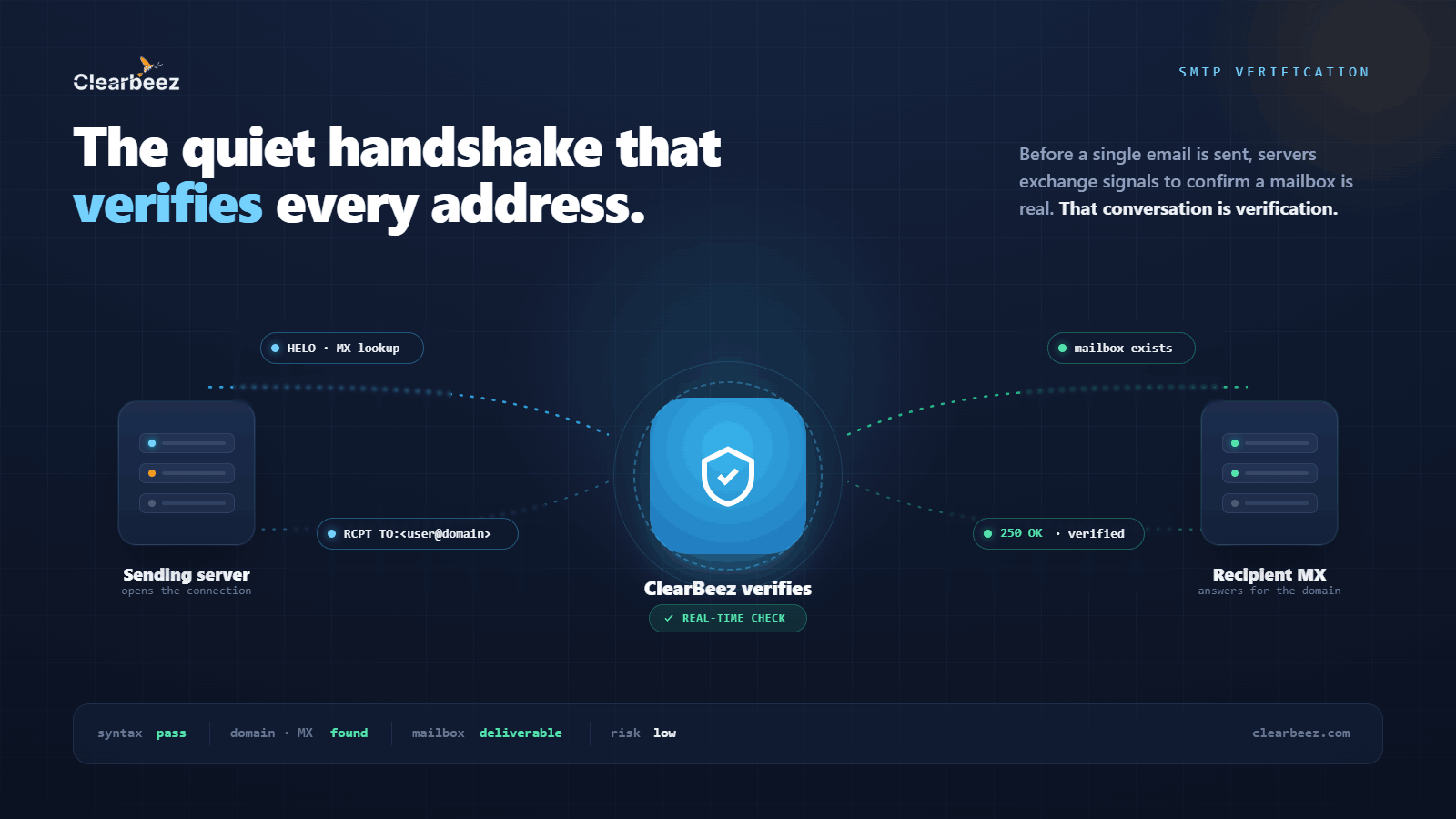
Verify email addresses before sending
Remove invalid contacts
Regularly clean your database
A clean email list is one of the easiest ways to improve inbox placement.
3. Missing Email Authentication
Authentication helps prove that your emails are legitimate.
Without proper authentication, mailbox providers may treat your messages as suspicious.
The three key authentication methods are:
SPF
Verifies that your sending server is authorized.
DKIM
Adds a digital signature to your emails.
DMARC
Provides instructions for handling unauthenticated emails.
How to Fix It
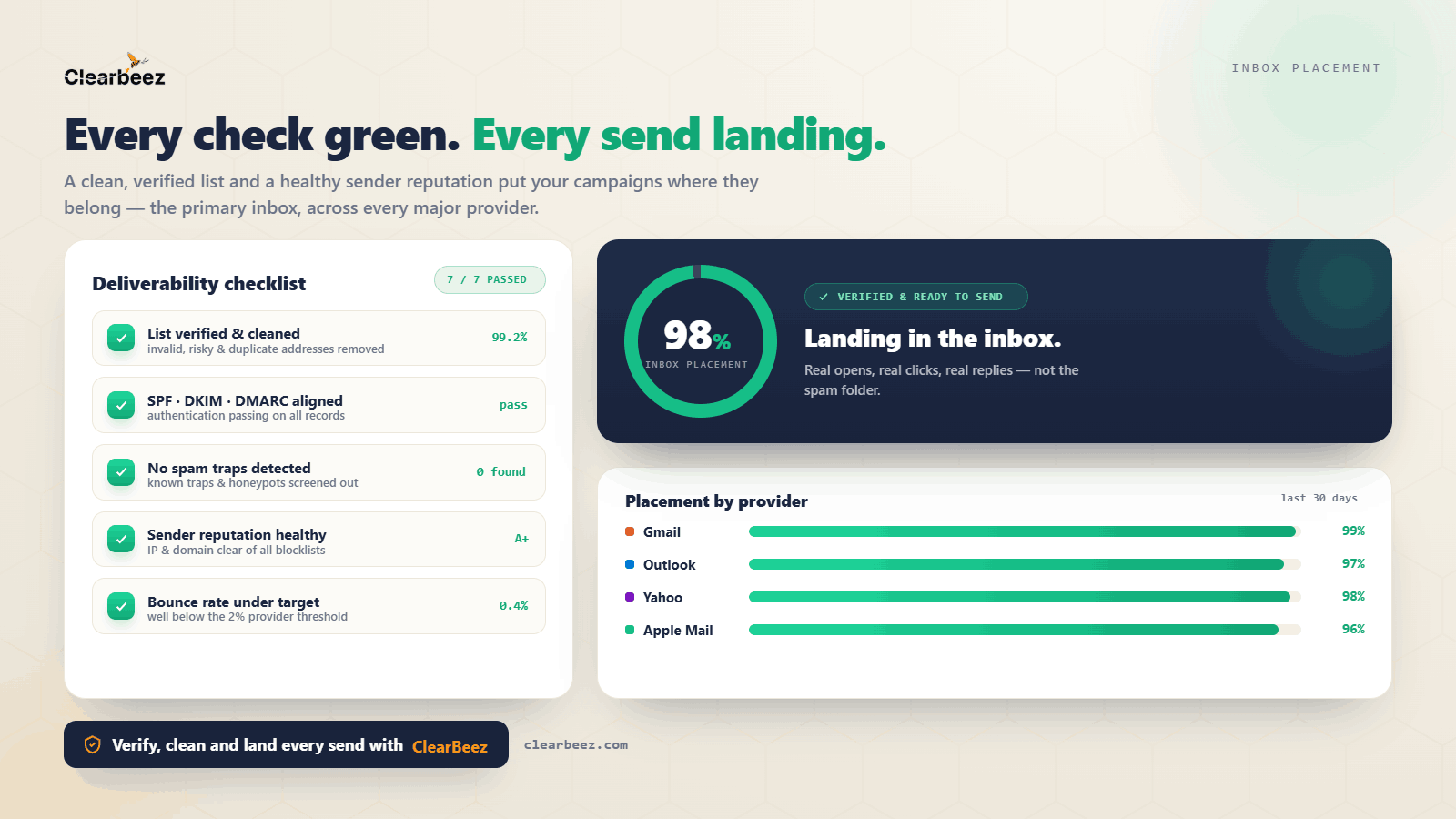
Ensure SPF, DKIM, and DMARC are properly configured for your domain.
4. Spam Trigger Words and Misleading Subject Lines
Certain words and phrases can increase spam risk.
Examples include:
FREE!!!
Act Now
Guaranteed
Limited Time Offer
Risk Free
While using these words occasionally isn't a problem, excessive promotional language can trigger spam filters.
How to Fix It
Write naturally
Avoid excessive capitalization
Avoid misleading subject lines
Focus on relevance and value
5. Sending to Unengaged Subscribers
Mailbox providers pay attention to engagement.
If subscribers consistently ignore your emails, providers may begin placing future emails in spam.
How to Fix It
Segment your audience
Remove inactive subscribers
Run re-engagement campaigns
Send relevant content
6. Too Many Links or Suspicious URLs
Spam filters examine links closely.
Issues can arise when emails contain:
Excessive links
URL shorteners
Suspicious domains
Mismatched URLs
How to Fix It
Use trusted domains
Limit unnecessary links
Avoid suspicious redirects
Test emails before sending
7. Poor Email List Quality
Many deliverability issues start with the data itself.
Over time, email databases naturally degrade.
People:
Change jobs
Abandon email accounts
Switch providers
Sending to outdated contacts increases bounce rates and hurts reputation.
How to Fix It
Verify email addresses regularly
Remove invalid contacts
Monitor list health
Avoid buying lists
8. Excessive Sending Volume
Sudden spikes in sending volume can trigger spam filters.
For example:
Sending 500 emails per day and suddenly sending 50,000 emails may appear suspicious.
How to Fix It
Warm up domains gradually
Increase volume slowly
Maintain consistent sending behavior
Best Practices to Keep Emails Out of Spam
Follow these best practices:
✅ Verify email addresses before sending
✅ Configure SPF, DKIM, and DMARC
✅ Monitor bounce rates
✅ Remove inactive subscribers
✅ Avoid spammy language
✅ Personalize emails when possible
✅ Maintain a consistent sending schedule
✅ Focus on delivering value
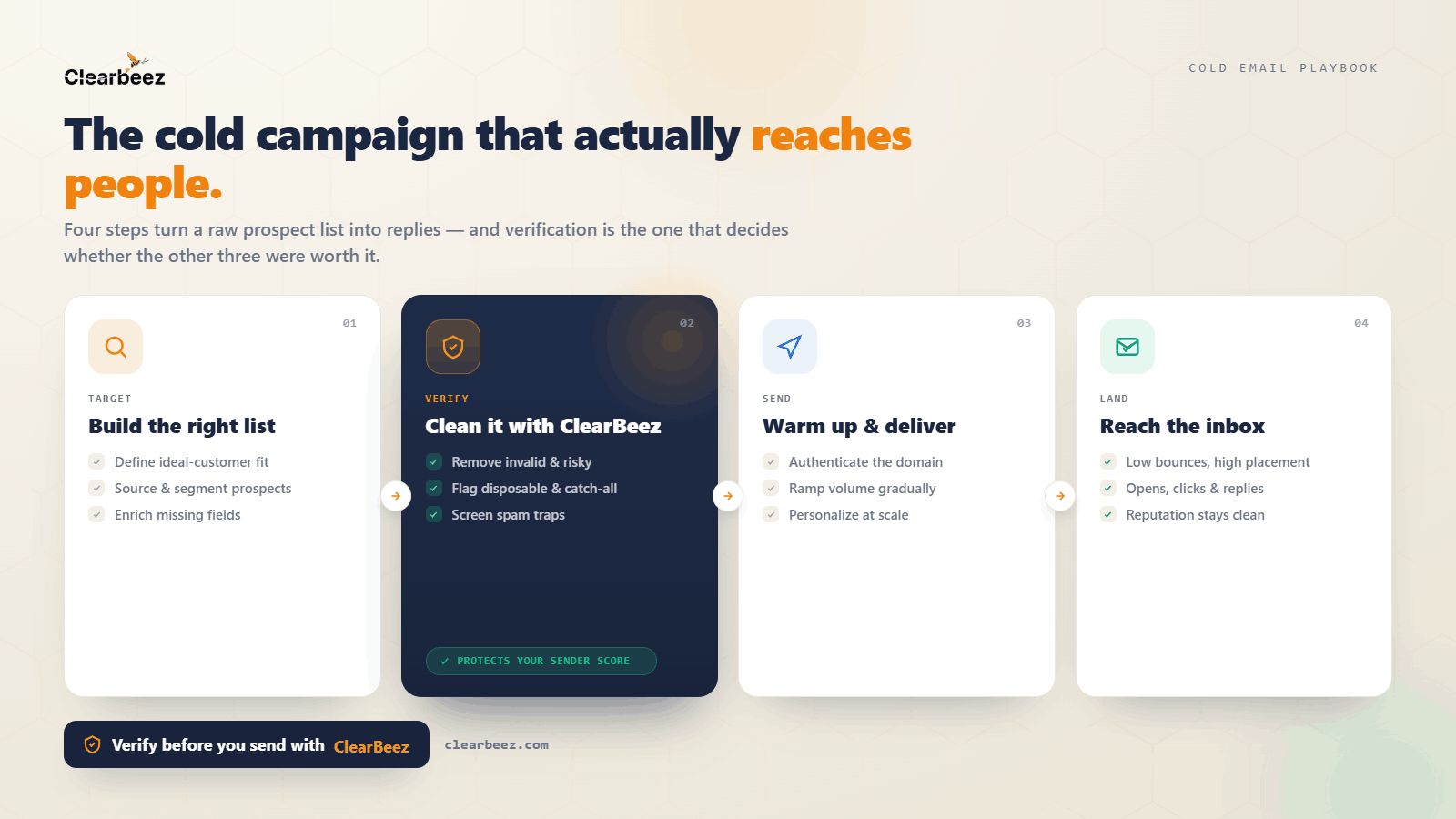
How ClearBeez Helps
Many spam issues begin long before an email is written.
They start with poor-quality data.
ClearBeez helps businesses improve deliverability by identifying:
Invalid email addresses
Disposable emails
Risky contacts
Catch-all domains
By improving list quality before sending, businesses can reduce bounce rates and build a stronger sender reputation.
Final Thoughts
If your emails are landing in spam, the solution is rarely a single change.
Deliverability depends on multiple factors working together:
Clean data
Strong sender reputation
Proper authentication
Good engagement
Consistent sending practices
The good news is that most spam issues are preventable.
Start by improving the quality of your email list, monitoring your sender reputation, and following deliverability best practices.
The inbox is where results happen—and getting there starts long before you click send.
Related Reading
How to Reduce Email Bounce Rate: A Practical Guide for Better Deliverability
What Is Email Verification? And Why It Matters More Than Most Businesses Realize